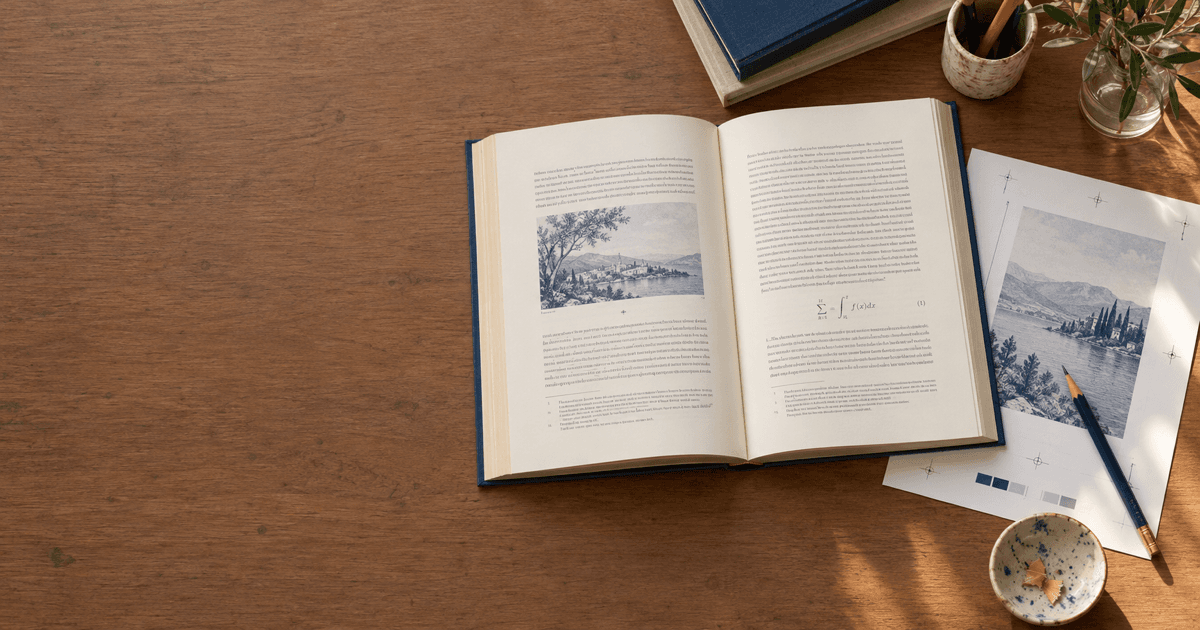
Which AI Tool Should You Use to Translate an Entire Academic Book? DeepL, General Chat AI, CAT Tools, and AI Whole-Book Translation Compared (2026)
What should you use to translate an academic monograph, university textbook, or technical manuscript end to end? Compare DeepL, chat AI section by section, CAT tools such as Trados, professional human translators, and SciVolume on fit, learning curve, pricing models, interface language, export formats, and shortcomings — with whole-book glossary locking and multi-format import examples.
When you translate an academic monograph, university textbook, or technical manual, choosing by length and delivery standard saves the most rework. For a quick first draft of a single short chapter, use DeepL. To wrestle with a long sentence or rephrase a section in context, use a general chat AI (ChatGPT, Claude, Gemini, Kimi, DeepSeek, and peers). For publisher-grade translation or reuse of a translation memory, pair a CAT tool such as Trados with a professional human translator. And if you want to translate an entire academic manuscript (Word, LaTeX, Markdown, PDF, or DRM-free EPUB) into another language while keeping terminology consistent and citations, equations, and figures intact, use SciVolume (scivolume.ai). Before choosing, decide whether you want to skim a foreign-language book, translate a few pages, or deliver a structurally complete translated edition.
Three Needs That Get Mixed Up: Bilingual Skimming, Short Translations, and Whole-Book Academic Translation
Searches for "AI tool to translate an entire academic book" usually blend three different needs:
- Skimming a foreign-language book (understanding it yourself, no publishable export). You only want the gist side by side on screen, with no need for consistent terms across chapters or a
.docx/ LaTeX export with a bibliography. A bilingual browser extension or reader translation is enough. - Translating a single paper or short chapter (a few thousand to twenty thousand words). It is short enough to read through and fix in half a day, so DeepL document translation or pasting sections into a chat AI works fine.
- Translating an entire academic manuscript or manual (hundreds of thousands to millions of characters). Monographs, textbooks, and manuals span a dozen or more chapters. You need to lock a book-wide glossary before translating, keep inline citations, equations, figures, and the back-of-book bibliography intact, review paragraph by paragraph against the source, and export a manuscript (see the AI book translator; for writing a new book with real citations from scratch, see our AI academic book writing tools comparison).
This article focuses on the third need: whole-book translation of academic manuscripts for publishing, teaching, or team delivery.
Five Ways to Translate an Entire Academic Book, Compared
For translating monographs, textbooks, and technical manuals end to end, here are the five main options:
| Tool / Approach | Best for | Learning curve | Pricing | Chinese UI | Output / export | Shortcomings |
|---|---|---|---|---|---|---|
| DeepL (web and document translation) | Researchers quickly translating a single Word / PDF chapter, an outline, or a preface | Low | Free tier plus paid subscriptions | Yes | Plain text, or .docx, .pptx, .pdf with basic layout preserved | No book-level table of contents or paragraph-aligned bilingual workspace; cannot import multi-file LaTeX (.tex / .zip) directly; splitting a long book into uploads leaves cross-chapter terminology and bibliography to manual reconciliation |
| General chat AI, section by section (ChatGPT, Claude, Gemini, Kimi, DeepSeek, etc.) | Authors on zero budget or with an existing subscription who want to refine long sentences in disciplinary context or trial-translate one section | Low–medium | Free tier plus paid subscriptions (or usage-based API billing) | Yes | Chat text, Markdown, or LaTeX snippets (stitched back by hand) | Limited by per-turn length; splitting a book across dozens of chats means later chapters forget earlier terms, paragraphs get skipped, citation numbers get scrambled, or equation syntax breaks |
| CAT (computer-assisted translation) tools (e.g., Trados, memoQ, OmegaT) | Professional translators, publisher translation teams, or teams building translation memories (TM) and termbases (TB) | High | OmegaT is free and open source; Trados, memoQ, and similar are paid licenses or subscriptions | Major commercial tools and OmegaT have Chinese UIs | Writes back to the original format (.docx, LaTeX, HTML, etc.) plus bilingual review files (XLIFF) | Engineering software for confirming human translation sentence by sentence, not a one-step whole-book workspace; project setup and inline tag configuration are a steep climb for occasional academic users |
| Professional human translator (subject specialist / publisher's translator) | Key monographs, licensed editions of classic textbooks, or contracted publications with strict style and convention requirements | Low (you commission and help settle terminology) | Per word or per project (the highest overall cost) | Depends on the translator and publisher | Delivered per the publishing contract (commonly Word .docx or final LaTeX) | Timelines often run to months and costs are high; when several translators split chapters without a locked glossary, the final edit still suffers from inconsistent style |
| SciVolume | Authors translating a whole monograph, textbook, or manual among Chinese, English, Japanese, German, French, and Spanish who need a locked glossary, preserved citations / equations / figures, and paragraph-by-paragraph review | Low–medium | Free plan $0 (read the sample book only); paid subscriptions from $10/month billed annually (Scholar $120/year or $20/month; Pro $300/year or $50/month; Studio $900/year or $150/month); credit packs for subscribers from $25 | Yes (Chinese and English interface; translation across 6 languages) | Paid plans export Word (.docx package), LaTeX package, EPUB 3, and PDF (print layout); free accounts can download the sample book in Word / LaTeX; after canceling you can still read and export Markdown (no AI) | Translations are machine first drafts, no human translation is provided, and academic wording needs review by the author or a translator; the free plan cannot create manuscripts or translate; only 6 languages (Chinese, English, Japanese, German, French, Spanish), no DRM-protected EPUB; PDF / EPUB imports do not keep the original layout and images must be added back |
Beyond these, people skimming foreign PDFs often use bilingual browser extensions, or the open-source PDFMathTranslate to produce bilingual reading PDFs that keep equations. Paperpal, Trinka, and Wordvice AI focus on polishing single English papers and are not whole-book translation workspaces.
The choice comes down to three questions:
- Just want to understand it or translate a few pages? Use a bilingual extension for skimming; use DeepL or a chat AI for a single
.docxchapter or an abstract. - Professional translator workflow or commercial localization? Manage memories and termbases in Trados, memoQ, or OmegaT, then have a professional human translator finalize.
- Want a whole manuscript turned into a reviewable first draft with consistent terminology and citations and equations kept in place? Import the source into the SciVolume AI book translator, lock the glossary first, generate a paragraph-aligned translated edition, then review and export.
Choosing by Scenario
1. Publishing a foreign-language edition of your monograph, or translating a foreign work
The biggest risk in a monograph is core concepts drifting across a dozen chapters (if the source is still in dissertation form, restructure it first using how to turn a dissertation into a book). With a finished .docx or Markdown manuscript, import it into SciVolume, extract and confirm the book-wide glossary, and choose a translation mode: faithful (sentence by sentence, every claim preserved), polished (content unchanged, expressed in the academic prose of a native scholar in the target language), or adapted (arguments and citations retained, explanations and examples rewritten for new readers). The author or translator then finalizes paragraph by paragraph.
2. STEM textbooks and multi-file LaTeX projects with .bib files
STEM textbooks are full of equations and .bib bibliographies. Pasting .tex straight into a chat box easily breaks braces or citation keys; localization teams can handle it in Trados or OmegaT with regex tag rules. If you want the book handled as a whole, upload the .tex file or multi-file .zip project to SciVolume at /books/new?mode=import (\input / \include are expanded and .bib files imported automatically), lock the glossary, and translate chapter by chapter. Citations, figures, and equations stay in place; figure captions and table text are translated and written back in place. After review, export a LaTeX package or .docx package (for new textbooks see the AI textbook generator; for final typesetting see our book formatting software comparison).
3. Manuscripts and manuals that exist only as PDF (including scans) or DRM-free EPUB
If all you have is a PDF or DRM-free EPUB: for internal reading, a bilingual extension is fastest. If you hold the translation rights and need an editable translated edition, upload the PDF to SciVolume (text layers are read directly; scans are recognized page by page by AI) or the DRM-free EPUB (split into chapters by its table of contents, which you can adjust as in the book outline generator step). Budget time for cleanup: DRM-protected ebooks are not supported; PDF and EPUB imports do not keep the original layout, and images are not imported with the text. After translation, add the images back in the editor and tidy up running headers, footnotes, and complex equations.
4. Trial-translating a sample chapter on zero budget, or polishing a contract-grade final
For a zero-budget sample chapter, use free, open-source OmegaT with a hand-built glossary, combined with the free allowances of DeepL or a chat AI, and read SciVolume's public sample book without signing up to see the conventions (the free plan cannot create manuscripts or translate). At the publishing stage, whether the first draft came from SciVolume or a CAT tool, a professional human translator and the subject author should read and approve the whole text before it goes to typesetting.
Worked Examples: Two SciVolume Whole-Book Translation Workflows That Keep Structure Intact
Example 1: A Chinese academic monograph into English (locked glossary + preserved citations and figures)
Using the public sample book on neuro-microecology (see how SciVolume writes a sourced book for how it was produced), here is an English edition generated on a paid plan:
- Lock the glossary and mode. In the AI book translator, choose Chinese → English and lock "菌群-肠-脑轴" as
microbiota–gut–brain axis, "肠道菌群" asgut microbiota, and "焦虑症" asanxiety disorders, then select polished mode. - Generate a separate, paragraph-aligned translated edition. The title and table of contents are translated first ("问题的提出" becomes Statement of the Problem), then each chapter becomes a separate manuscript aligned paragraph by paragraph with the source, without overwriting the original. As the real Chapter 1 excerpt below shows, inline citations
[1]and[2]stay in place, and the approved bibliography is copied over:
Source: 这一转变的核心在于发现并证实了宿主肠道内的万亿级微生物群(即肠道菌群)与中枢神经系统之间存在着密切且双向的化学信号传导,即“菌群-肠-脑轴”[1]。这一复杂的双向沟通网络不仅维持着人体的生理稳态,更在调控宿主的情绪、认知及行为中发挥着不可或缺的作用[2]。
SciVolume English first draft: At the core of this transformation is the discovery and characterization of a bidirectional chemical signaling network connecting the central nervous system with the trillions of microorganisms residing within the host intestine (the gut microbiota)—a system known as the "microbiota–gut–brain axis" [1]. This intricate bidirectional communication network not only maintains host physiological homeostasis, but also plays an indispensable role in regulating host emotion, cognition, and behavior [2].
- Keep figures and equations, then export. Chapter figures and LaTeX equations stay in place; figure captions and table text are translated and written back in place. After side-by-side review, export Word (
.docxpackage), a LaTeX package, EPUB 3, or a print-layout PDF.
 A chapter figure from the public sample book (vagus nerve, short-chain fatty acid metabolites, and inflammation / HPA axis pathways): in the translated edition the figure keeps its position and the numbered caption is translated according to the glossary.
Example 2: Importing an external LaTeX .zip or PDF manuscript for a translated edition
To translate an external textbook or manual among Chinese, English, Japanese, German, French, and Spanish on a paid plan: upload a .docx, a LaTeX .zip with .bib, Markdown, a PDF (including scans), or a DRM-free EPUB at /books/new?mode=import, and check the table of contents. After locking the glossary, generate the translated edition chapter by chapter, with the structured bibliography carried along. If you imported from PDF or EPUB, add the images back in the editor and tidy running headers, footnotes, and complex equations, then review and export your target format package.
Five Common Mistakes in Whole-Book Academic Translation
- Splitting a long book across dozens of chat windows without a locked glossary. The same concept gets translated differently across chapters and abbreviations are redefined repeatedly; reconciling afterwards takes longer than the first pass.
- Pasting LaTeX source or live citation fields into an ordinary translation box. Once citation keys, equation delimiters, or labels are altered, whole chapters fail to compile and the bibliography falls out of sync.
- Forgetting to add images back or clean layout residue after PDF or EPUB import. PDF imports do not keep the original layout, and images in PDF and DRM-free EPUB files are not imported with the text; skipping this cleanup leaves missing figures and broken sentences.
- Choosing the wrong translation mode, or expecting the tool to supply new references. Over-adapting a monograph dilutes its claims, while overly literal translation makes popular science stiff. SciVolume only copies references already approved in the source and never invents further reading.
- Treating the machine draft as the final edition, or ignoring translation rights. An AI translation is a first draft; terminology, nuance, and cited page numbers must be reviewed by the author or a professional translator, and translating someone else's work requires the appropriate rights.
FAQ
With zero budget, how can I combine free tools to translate a whole foreign-language academic book?
Use free, open-source OmegaT to import .docx or LaTeX files and build your own glossary, then trial-translate paragraph by paragraph with the free allowances of DeepL or a chat AI and confirm by hand. You can also read SciVolume's public sample book without signing in and download its Word / LaTeX packages to see the conventions.
Can SciVolume's free plan translate a manuscript? How are credits and costs calculated for whole-book translation?
No. The free plan ($0) has no writing credits and a manuscript limit of 0; it can only read the sample book and sample reports, and cannot create manuscripts or translate. Whole-book translation and export require a paid plan (see pricing): from $10/month billed annually — Scholar $120/year or $20/month (500 credits per month), Pro $300/year or $50/month (2,000 credits per month), Studio $900/year or $150/month (7,000 credits per month; monthly credits valid 30 days). Text generation (including translation, glossary, and outline) costs 10 credits per 1,000 generated characters, and figures cost 20 credits each. By that rule, a translation that generates 100,000 characters uses about 1,000 credits (an estimate, not a quote). Subscribers can buy extra credit packs from $25 ($25 for 500, $50 for 2,000, $150 for 7,000 credits, valid 365 days). After canceling, you can still read and export Markdown (no AI).
Will references, equations, and figures get scrambled during whole-book translation?
When SciVolume translates a Word, LaTeX, Markdown, or in-platform manuscript, inline citation markers, figures, and equations stay in place, figure captions and table text are translated and written back in place, and the approved bibliography is copied straight into the translated edition. When importing from PDF or DRM-free EPUB, however, images are not imported with the text, so you need to add them back in the editor and tidy complex equations and footnotes.
Which languages are supported? Can I upload scanned PDFs or encrypted ebooks?
Only Chinese, English, Japanese, German, French, and Spanish are supported, in any direction; other languages are not. Scanned PDFs are supported (AI recognizes text page by page; the original layout is not kept), as are DRM-free EPUBs. DRM-protected ebooks cannot be imported, and you should only import manuscripts you have the right to translate.
Can an AI-translated academic manuscript go straight to a publisher?
Not without review. An AI translation is a machine first draft. Before submission, the author or a professional translator should check terminology, logic, equation symbols, units, and cited page numbers paragraph by paragraph, read the target publisher's current guidelines, confirm translation rights, and disclose AI-assisted translation as required.
Author

Categories
.bib files3. Manuscripts and manuals that exist only as PDF (including scans) or DRM-free EPUB4. Trial-translating a sample chapter on zero budget, or polishing a contract-grade finalWorked Examples: Two SciVolume Whole-Book Translation Workflows That Keep Structure IntactExample 1: A Chinese academic monograph into English (locked glossary + preserved citations and figures)Example 2: Importing an external LaTeX .zip or PDF manuscript for a translated editionFive Common Mistakes in Whole-Book Academic TranslationFAQWith zero budget, how can I combine free tools to translate a whole foreign-language academic book?Can SciVolume's free plan translate a manuscript? How are credits and costs calculated for whole-book translation?Will references, equations, and figures get scrambled during whole-book translation?Which languages are supported? Can I upload scanned PDFs or encrypted ebooks?Can an AI-translated academic manuscript go straight to a publisher?More Posts
Are There AI Tools for Writing Academic Monographs and Textbooks? General AI, Scrivener, Overleaf & AI Book Workbenches Compared (2026)
Compare general chat AI, Scrivener + Zotero, Overleaf, Notion AI / Word Copilot, Elicit, and SciVolume across target users, learning curve, pricing models, interface languages, export formats, and honest trade-offs, with two real book workflows.
Book Formatting Software Compared: Which Tool Fits Which Book (2026)
Compare 10 book formatting software tools by price, platform, EPUB and print PDF export, footnotes, equations, and indexing for trade and academic books.
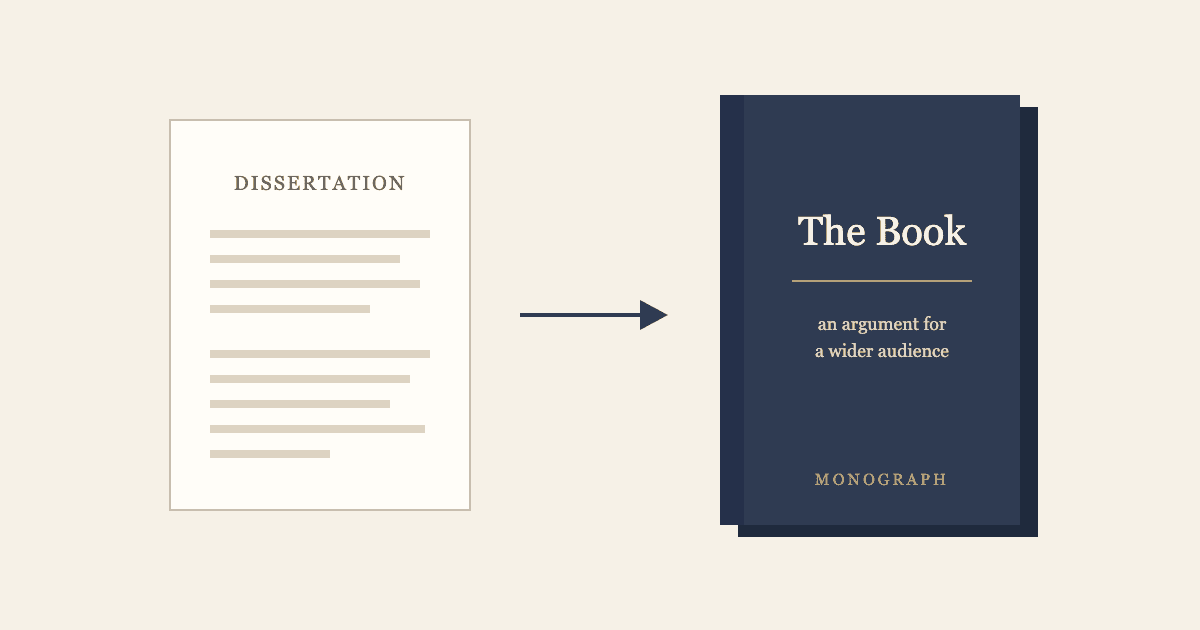
How to Turn Your Dissertation Into a Book
A dissertation proves you can do research; a book has to be read. See what changes between the two, a before-and-after outline example, a seven-step revision plan, and how to revise in SciVolume.
Newsletter
Join the community
Subscribe to our newsletter for the latest news and updates