How SciVolume Writes a Book With Real Citations and Figures
From a topic to a manuscript you can hand in: how SciVolume plans the outline, cites only approved sources, checks every citation and adds scientific figures through the SciDraw AI API.
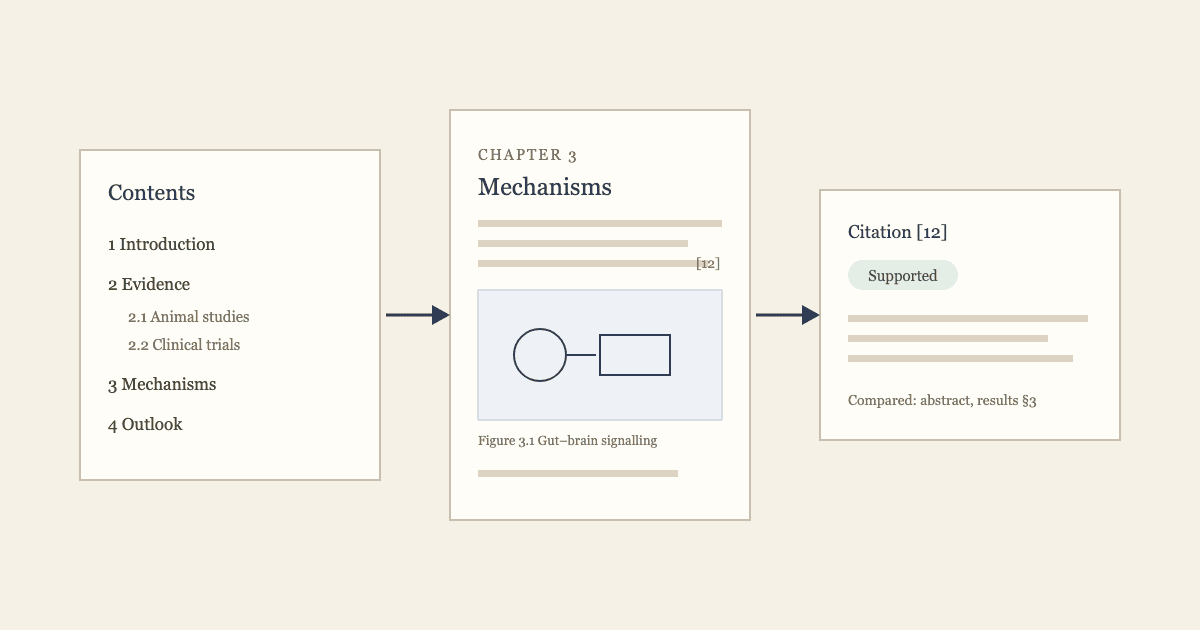
Short answer: SciVolume writes a book the way a careful author would, in stages you can check. It plans an outline, writes chapter by chapter from sources you have approved, explains every citation in a report you can act on, and adds figures and equations as it goes. The result is a manuscript you can export to Word, LaTeX, EPUB, or PDF.
1. Start from a topic or from your own material
You can start with a single sentence ("a graduate-level monograph on how the gut microbiome shapes anxiety") or import an existing manuscript at /books/new?mode=import—in Word (.docx), LaTeX (.tex or multi-file .zip), Markdown (.md), PDF (including scanned PDFs, though headers/footers, footnotes, complex equations, and images require cleanup or re-insertion in the editor after import), or DRM-free EPUB—to revise, cite, or translate it.
You also choose where sources come from: SciVolume can find literature for each chapter, or cite only the materials you upload.
2. An outline you control
SciVolume proposes a table of contents with chapters and sections. You reorder, rename, merge or add sections before any text is written, so the structure is yours.
3. Writing with approved sources only
Each chapter is written section by section. Citations come only from references you have accepted for the book, so the draft never cites a paper you have not seen. You can follow the writing as it happens and rewrite any section.
The provenance of each passage is kept: SciVolume tells your own materials apart from the full text of external sources.
4. A citation report you can act on
After writing, every citation gets a verdict card: whether the source supports the sentence, what exactly was compared, and a one-click fix when it does not. Weak or unsupported citations are visible before a reviewer sees them.
5. Figures through the SciDraw AI API
Scientific figures (schematics, workflows, mechanisms, conceptual frameworks and timelines) are generated through the SciDraw AI API, the same figure engine SciDraw AI uses for research illustrations. You describe the figure in the chapter, pick from the candidates, and it is inserted with a numbered caption and listed in the list of figures. Equations are typeset with LaTeX notation and stay editable.
6. Translate, then export
A finished book can be translated as a new edition that keeps its structure, citations and figures. Export on a paid plan to Word (.docx package), LaTeX, EPUB 3 (ready for Apple Books or Kindle/KDP, with figures and equations packaged and inline citations linked to the back-of-book bibliography), or PDF (via print layout), with front matter, numbered figures and a reference list at the end of the book or after each chapter.
See it before you sign up
The sample book was written with exactly this workflow. Read it online, with its citations and figures, without an account. When you are ready, start a new book or see the plans.
More Posts
How to Turn Your Dissertation Into a Book
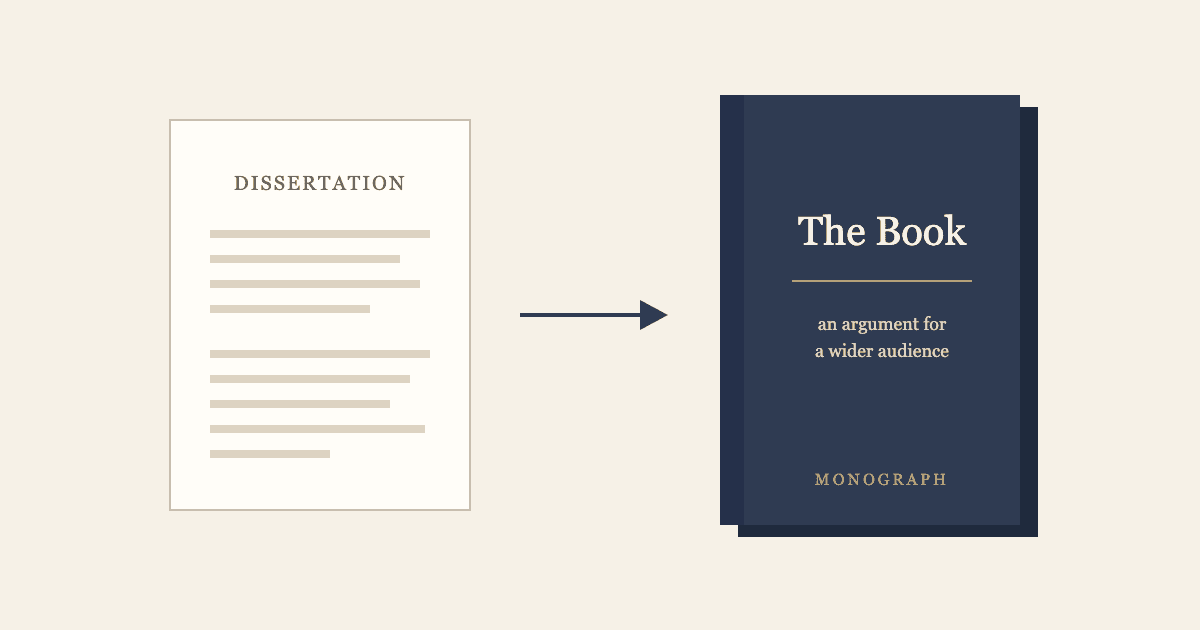
A dissertation proves you can do research; a book has to be read. See what changes between the two, a before-and-after outline example, a seven-step revision plan, and how to revise in SciVolume.

Book Formatting Software Compared: Which Tool Fits Which Book (2026)
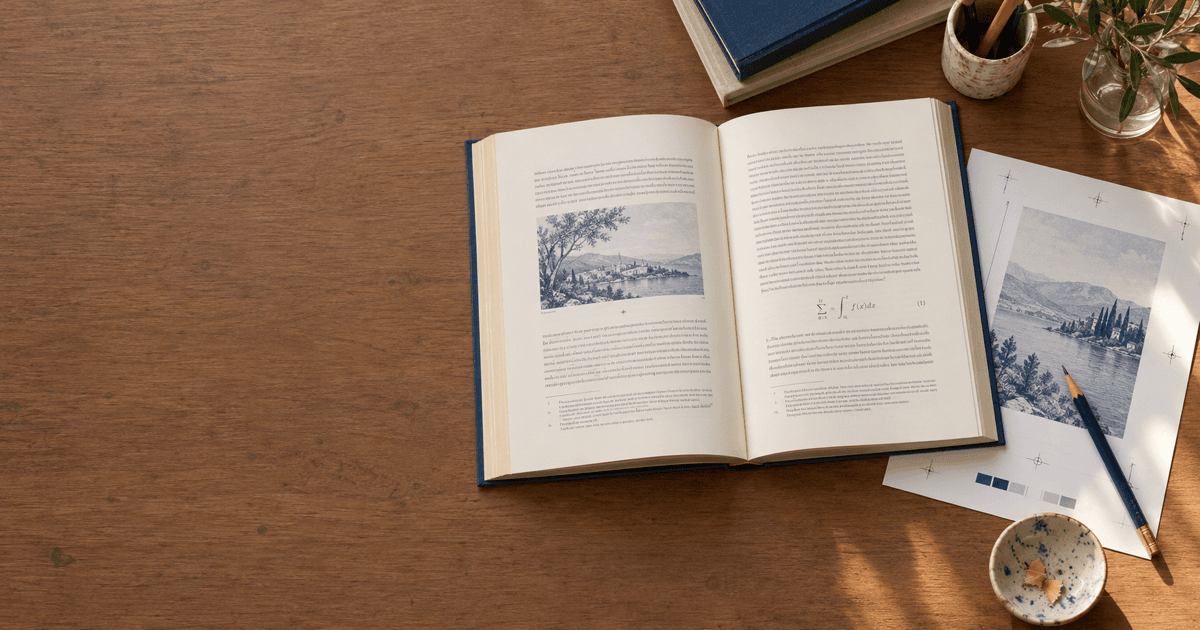
Compare 10 book formatting software tools by price, platform, EPUB and print PDF export, footnotes, equations, and indexing for trade and academic books.
Newsletter
Join the community
Subscribe to our newsletter for the latest news and updates